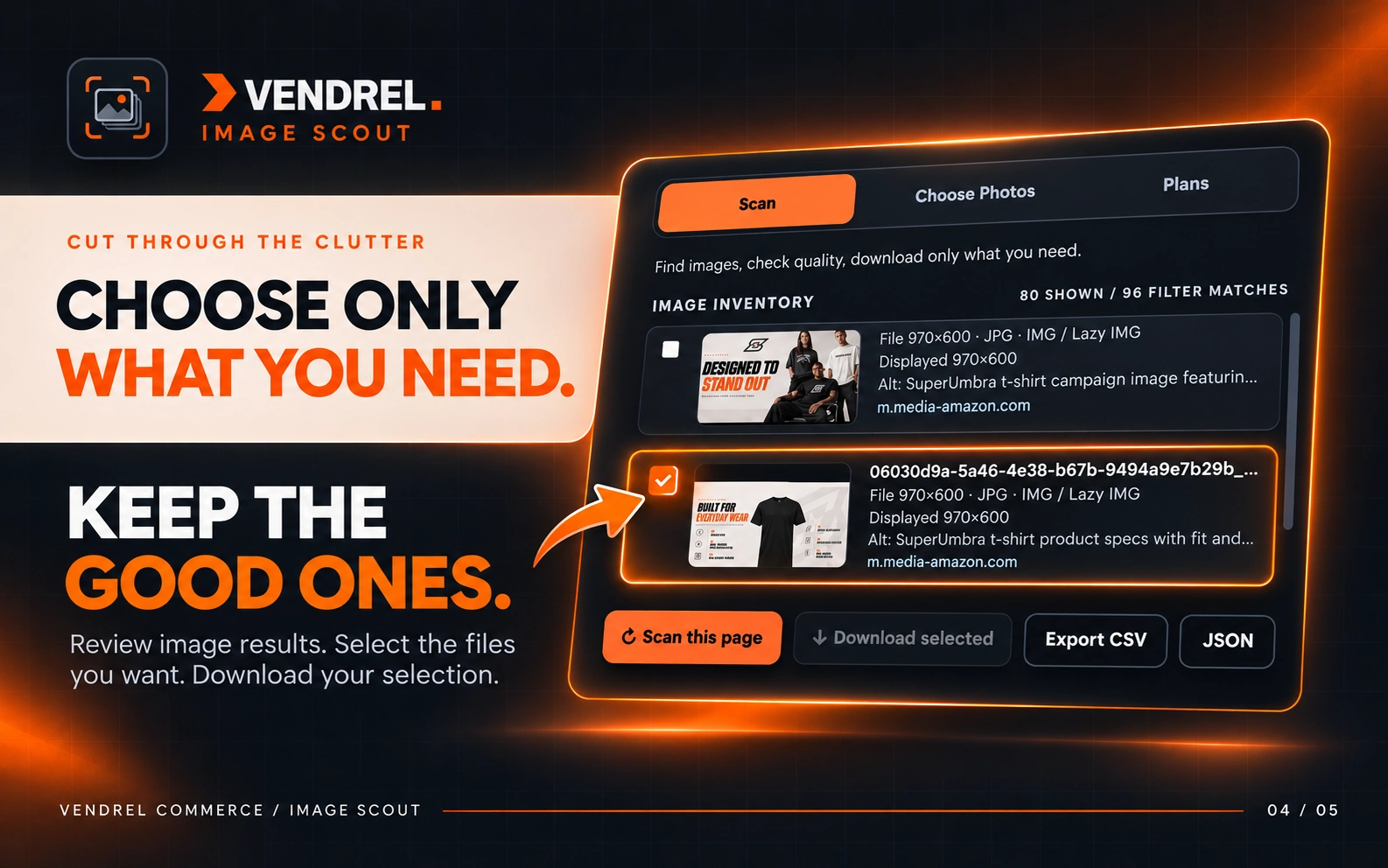

Find Photos and Images on Web Pages.
Open any regular web page and scan on demand. Image Scout discovers available pictures, including responsive images, lazy-loaded assets and CSS background images, without endless right-clicking.
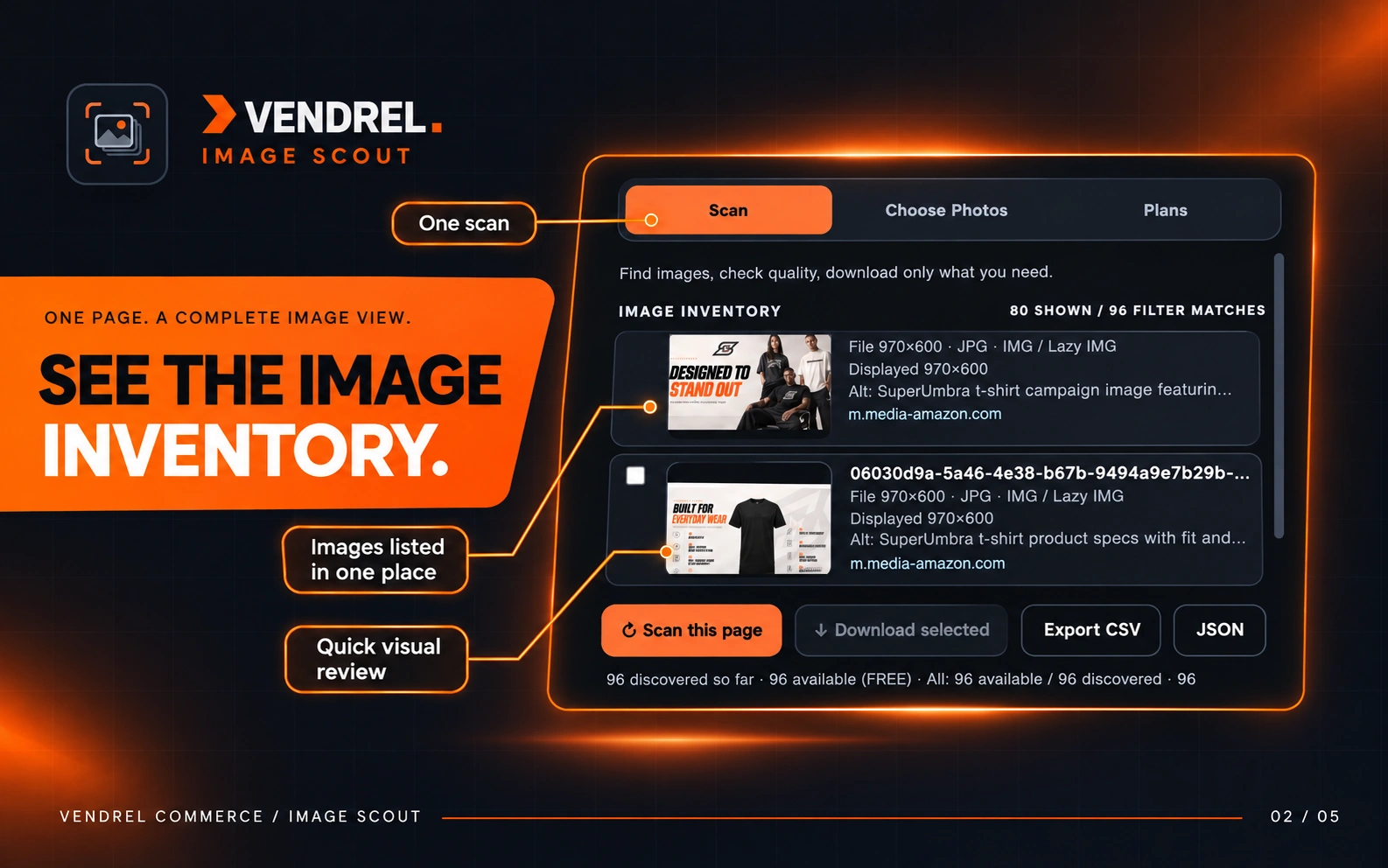
Discover the solution before choosing a paid plan.
A visual tour of the Chrome image downloader that helps you discover photos on web pages and save just what you need.
Open any regular web page and scan on demand. Image Scout discovers available pictures, including responsive images, lazy-loaded assets and CSS background images, without endless right-clicking.
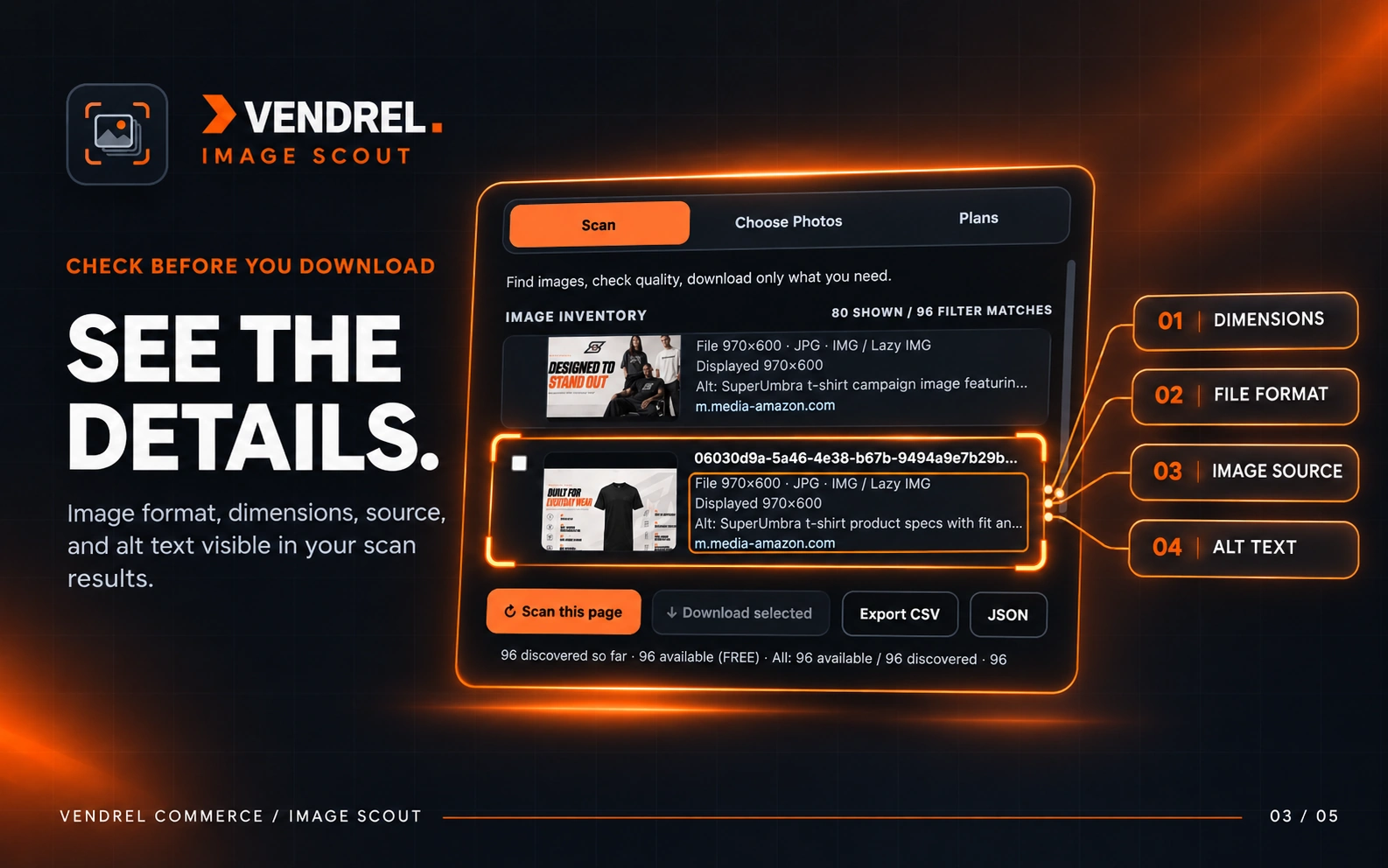
Get a visual inventory of image thumbnails, original sources and URLs. Search, sort and filter by image format, size, source and alt text so the right file is easy to find.
Inspect image dimensions, file formats, URLs and available alt text before saving anything. Review quality signals and identify images that may be too small for your project.
Select individual pictures or use the on-page visual picker. Build a targeted batch with selection and filtering tools, then download the accessible original files you actually want.
Save selected images in batches and export a structured CSV inventory. Eligible Plus and Pro plans add JSON exports, larger batches and advanced reporting tools.
Image Scout scans a webpage when you click Scan this page and can download image files that are accessible to the extension. Some websites restrict access or image downloads.
Yes. The Free plan includes on-demand image discovery, photo previews, filters, CSV inventory export and up to 20 downloads per batch. Plus and Pro offer higher limits and additional tools.
After secure checkout, open the extension, go to Plans and connect with Vendrel using the same account that made the purchase. The extension checks your subscription.
Image Scout helps you discover and download accessible images. Downloading an image does not grant copyright or reuse rights. Respect website terms and creators' licenses.
Install Image Scout free from Chrome Web Store, or choose Plus, Pro or Max and pay securely with Stripe. After checkout, open the extension and select Connect with Vendrel to sync your subscription.
Select the Chrome tool that fits what you're trying to do.
Image Scout is already published. Install Free, then connect your Vendrel account for verified paid access.
After checkout, open Image Scout and select Connect with Vendrel to link your purchased Plus, Pro or Max plan.