Find the photos you need. Download only what matters.
Discover the solution before choosing a paid plan.
VENDREL IMAGE SCOUT / IMAGE DOWNLOADER
Find. Preview. Choose. Download.
A visual tour of the Chrome image downloader that helps you discover photos on web pages and save just what you need.
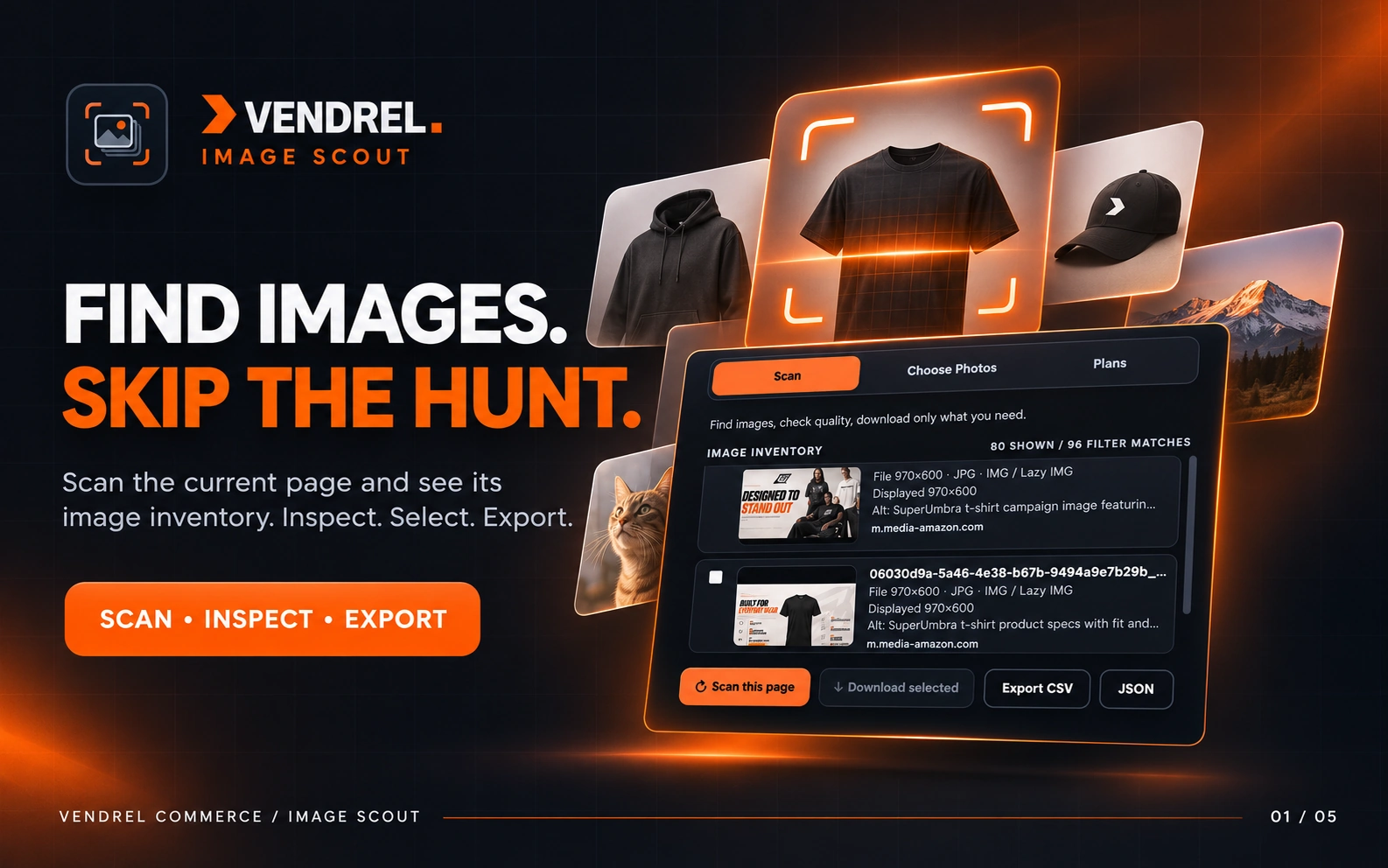
Find images · Scan the current page
01 / FIND IMAGES
Find Photos and Images on Web Pages.
Open any regular web page and scan on demand. Image Scout discovers available pictures, including responsive images, lazy-loaded assets and CSS background images, without endless right-clicking.
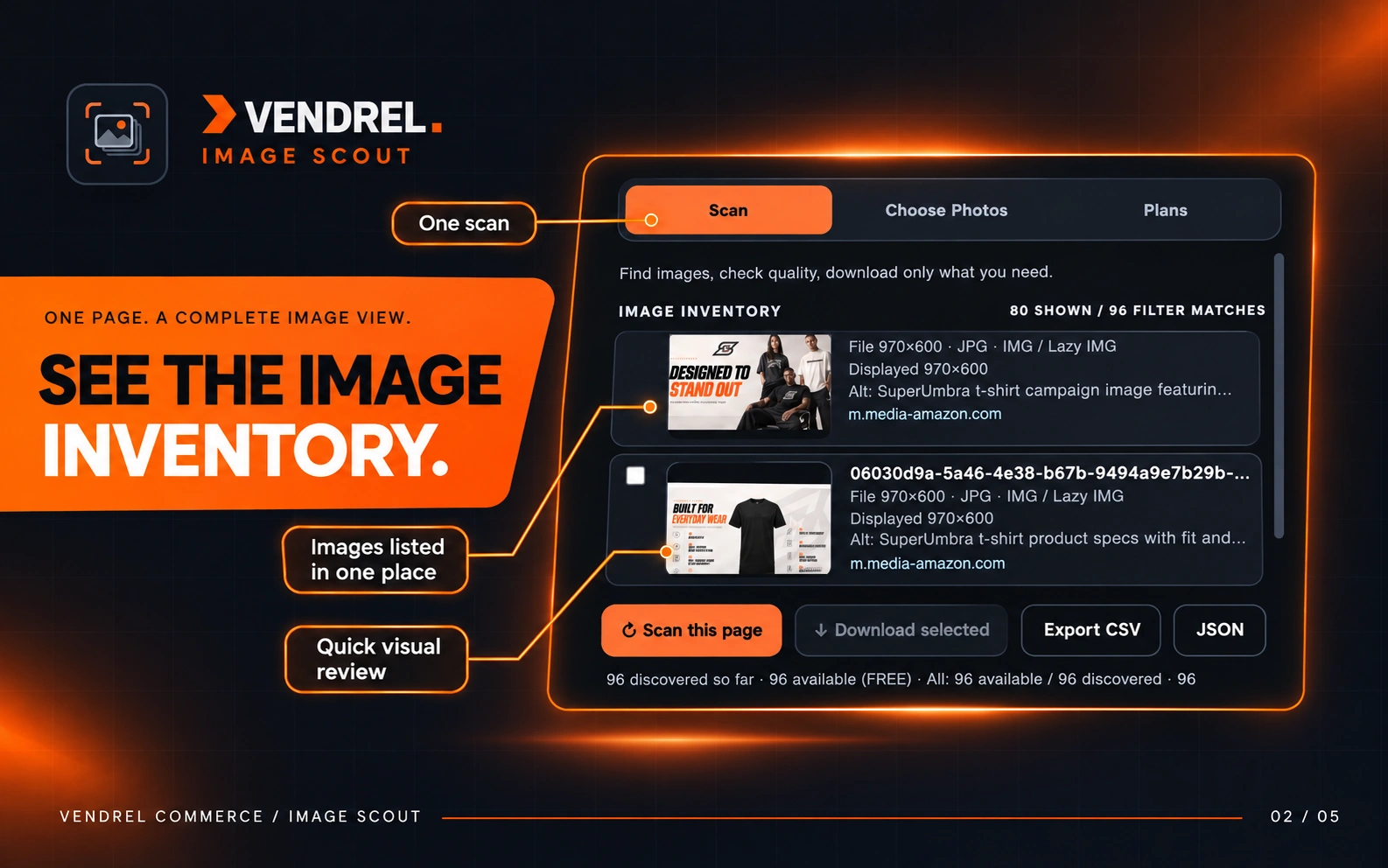
Image inventory · Preview and filter
02 / IMAGE INVENTORY
See the Image Inventory at a Glance.
Get a visual inventory of image thumbnails, original sources and URLs. Search, sort and filter by image format, size, source and alt text so the right file is easy to find.
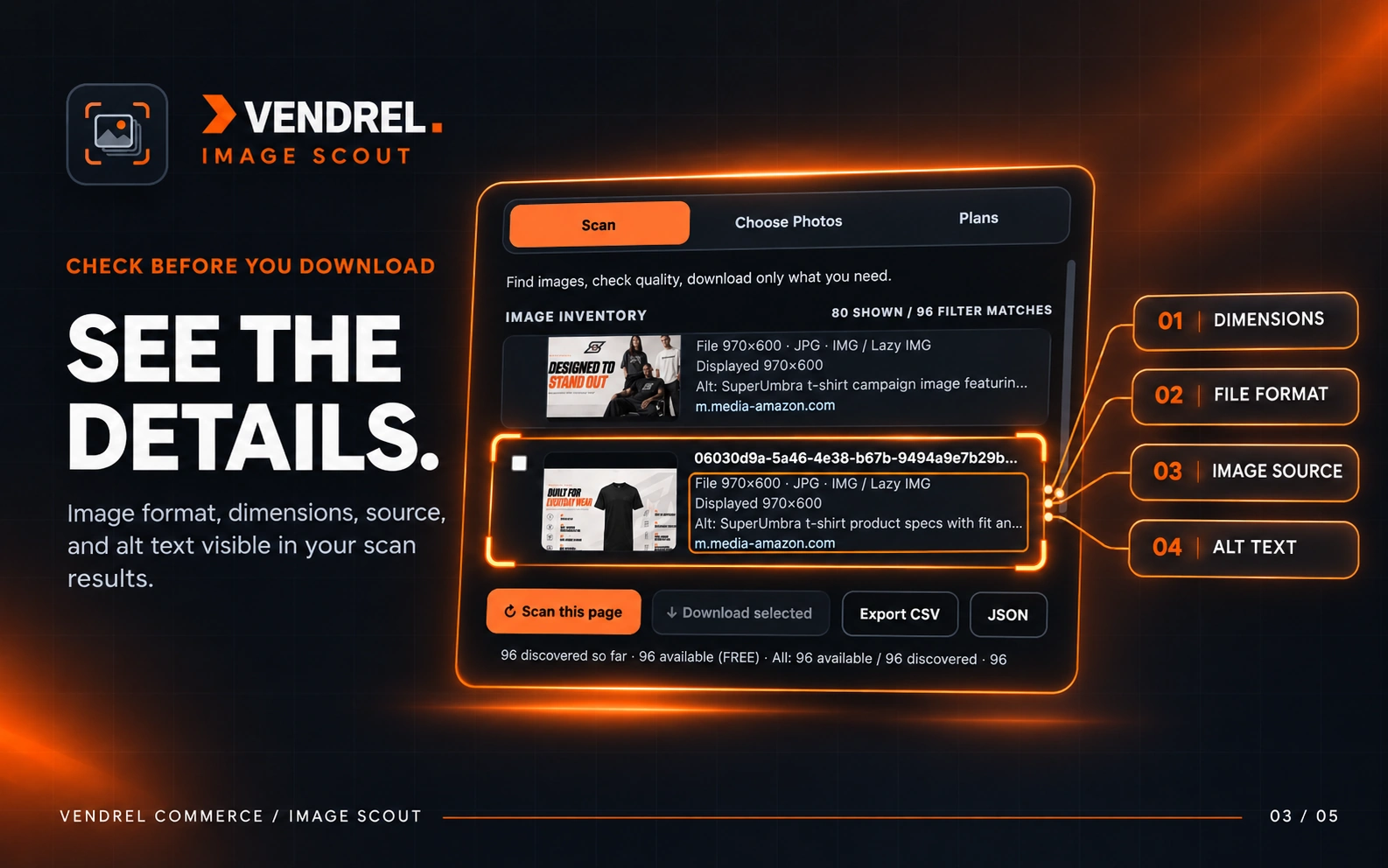
Image details · Inspect before downloading
03 / IMAGE DETAILS
Check Image Size, Format and Quality.
Inspect image dimensions, file formats, URLs and available alt text before saving anything. Review quality signals and identify images that may be too small for your project.
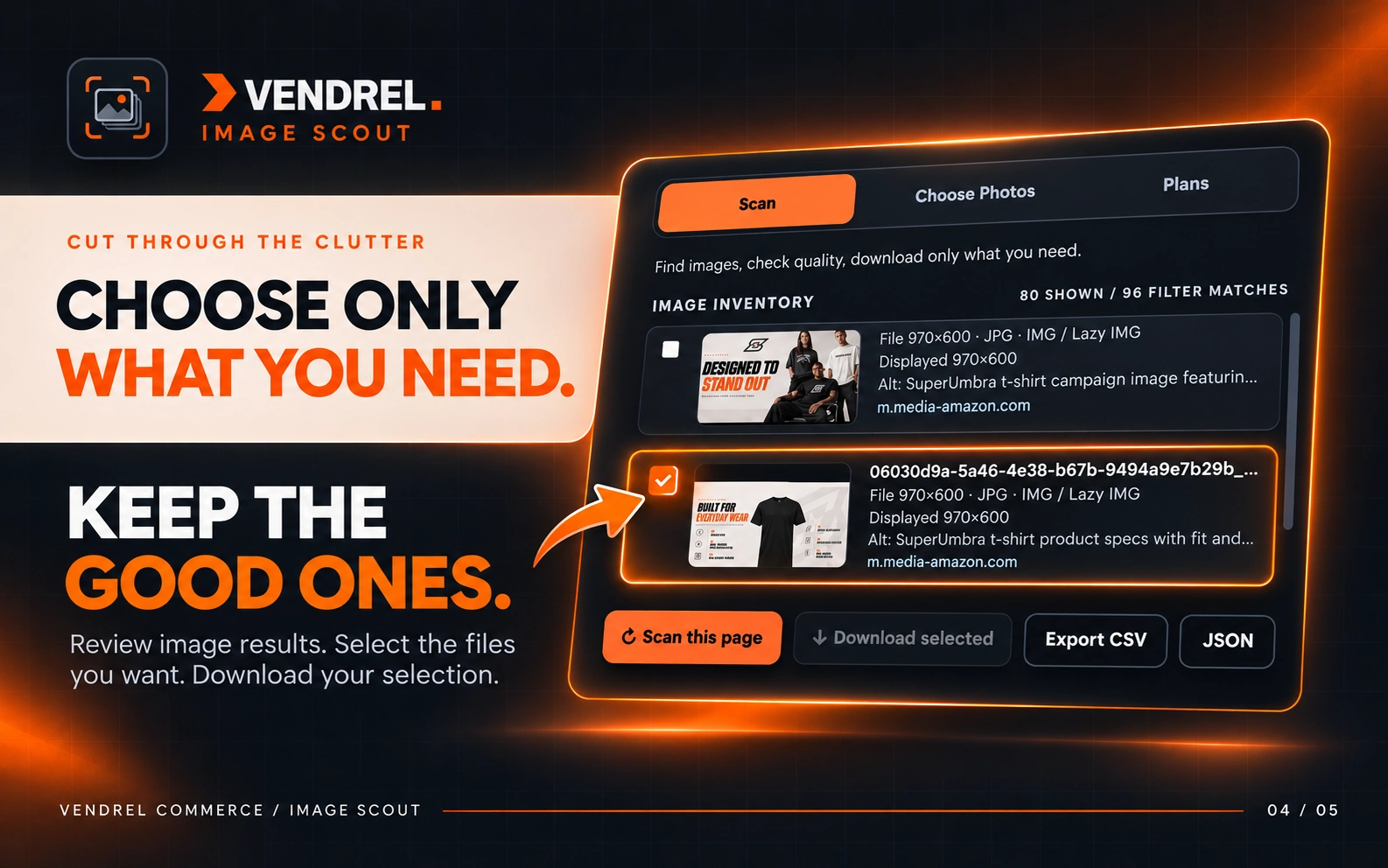
Choose photos · Select without the clutter
04 / CHOOSE PHOTOS
Choose Only the Photos You Need.
Select individual pictures or use the on-page visual picker. Build a targeted batch with selection and filtering tools, then download the accessible original files you actually want.
Export · CSV and eligible paid JSON options
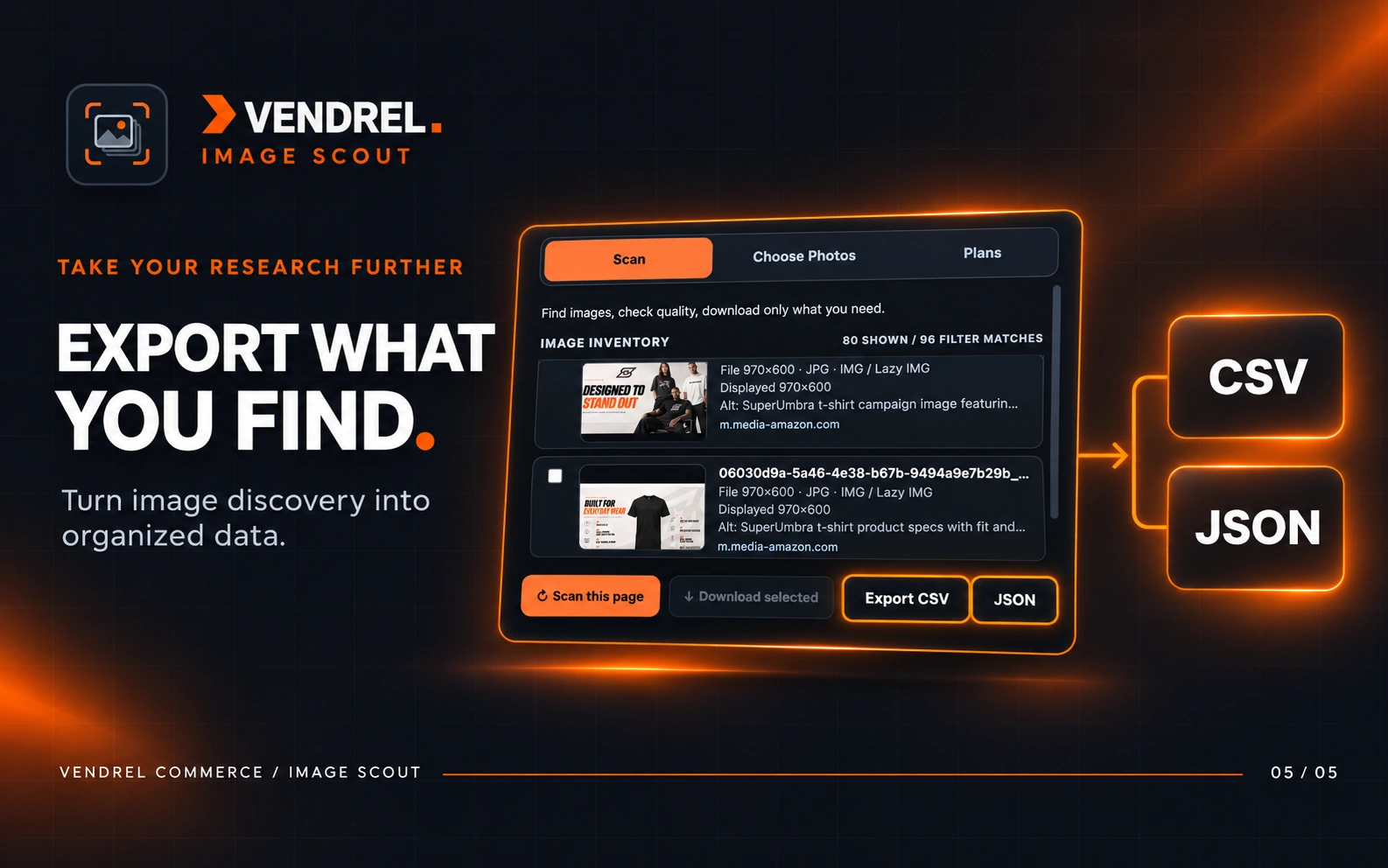
05 / EXPORT
Download Images or Export Your Findings.
Save selected images in batches and export a structured CSV inventory. Eligible Plus and Pro plans add JSON exports, larger batches and advanced reporting tools.
Image Scout scans a webpage when you click Scan this page and can download image files that are accessible to the extension. Some websites restrict access or image downloads.
Is the Image Scout Chrome extension free?
Yes. The Free plan includes on-demand image discovery, photo previews, filters, CSV inventory export and up to 20 downloads per batch. Plus and Pro offer higher limits and additional tools.
How do I use Image Scout Plus or Pro after buying?
After secure checkout, open the extension, go to Plans and connect with Vendrel using the same account that made the purchase. The extension checks your subscription.
Image Scout helps you discover and download accessible images. Downloading an image does not grant copyright or reuse rights. Respect website terms and creators' licenses.
FREE / PLUS / PRO / MAX
Simple plans. Clear limits.
Install Image Scout free from Chrome Web Store, or choose Plus, Pro or Max and pay securely with Stripe. After checkout, open the extension and select Connect with Vendrel to sync your subscription.
FREE
Free
$0 forever
No subscription required
500 image URLs per scan
20 downloads per batch
100 images per bulk selection
On-demand scan of the active webpage
Find HTML, lazy-loaded and responsive image sources
Discover CSS background image URLs
Image thumbnails, URLs and original sources
Image formats, dimensions and alt-text details
Search the image inventory
Filter images by source, format, size and alt text
Find HTML, lazy-loaded and responsive image sources
Discover CSS background image URLs
Image thumbnails, URLs and original sources
Image formats, dimensions and alt-text details
Search the image inventory
Filter images by source, format, size and alt text
Sort images and review quality signals
Visual photo selection directly on the page
Select, deselect and invert matching results
Download original selected image files
CSV image inventory export
JSON image inventory export
Detailed image quality report
Variant and resolution analysis report
Excel-compatible XLSX image inventory
Copy selected image URLs
Create a ZIP of original images
Convert ZIP images to PNG, JPG or WebP
Use source or alt-text filenames in ZIPs
100 AI Upscale credits per month
Paid checkout under verification
PRO
Pro
$32.99 / month
Billed monthly
4,500 image URLs per scan
500 downloads per batch
4,500 images per bulk selection
On-demand scan of the active webpage
Find HTML, lazy-loaded and responsive image sources
Discover CSS background image URLs
Image thumbnails, URLs and original sources
Image formats, dimensions and alt-text details
Search the image inventory
Filter images by source, format, size and alt text
Sort images and review quality signals
Visual photo selection directly on the page
Select, deselect and invert matching results
Download original selected image files
CSV image inventory export
JSON image inventory export
Detailed image quality report
Variant and resolution analysis report
Excel-compatible XLSX image inventory
Copy selected image URLs
Create a ZIP of original images
Convert ZIP images to PNG, JPG or WebP
Use source or alt-text filenames in ZIPs
Advanced bulk-selection tools
Select the largest known image variants
Multi-tab image audit and consolidated XLSX report
Organize ZIP archives into format-based folders
Opt-in Pro cloud analysis of derived metadata
Explicit consent before cloud metadata analysis
300 AI Upscale credits per month
Paid checkout under verification
MAX
Max
$45.99 / month
Billed monthly
4,500 image URLs per scan
500 downloads per batch
4,500 images per bulk selection
On-demand scan of the active webpage
Find HTML, lazy-loaded and responsive image sources
Discover CSS background image URLs
Image thumbnails, URLs and original sources
Image formats, dimensions and alt-text details
Search the image inventory
Filter images by source, format, size and alt text
Sort images and review quality signals
Visual photo selection directly on the page
Select, deselect and invert matching results
Download original selected image files
CSV image inventory export
JSON image inventory export
Detailed image quality report
Variant and resolution analysis report
Excel-compatible XLSX image inventory
Copy selected image URLs
Create a ZIP of original images
Convert ZIP images to PNG, JPG or WebP
Use source or alt-text filenames in ZIPs
Advanced bulk-selection tools
Select the largest known image variants
Multi-tab image audit and consolidated XLSX report
Organize ZIP archives into format-based folders
Opt-in Pro cloud analysis of derived metadata
Explicit consent before cloud metadata analysis
500 AI Upscale credits per month
Up to 3 connected devices
Paid checkout under verification
HOW IT WORKS
Download images in three easy steps.
01 / CHOOSE
Pick your problem
Select the Chrome tool that fits what you're trying to do.
02 / INSTALL
Install from Chrome Web Store
Image Scout is already published. Install Free, then connect your Vendrel account for verified paid access.
03 / CONNECT
Link your account
After checkout, open Image Scout and select Connect with Vendrel to link your purchased Plus, Pro or Max plan.
Image Scout Free is available on Chrome Web Store. Plus, Pro and Max checkout is under final verification; no paid subscriptions are being accepted yet. Product support.